How can families help aging parents use technology?
Helping aging parents learn to use technology works best when you introduce simple devices, focus on meaningful tasks like video calling or sharing photos, and teach skills gradually with patience and repetition. Breaking technology into small steps, reducing unnecessary complexity, and practicing regularly can help seniors gain confidence and feel more comfortable using modern devices.
Why ViewClix Sidesteps the Learning Curve Entirely
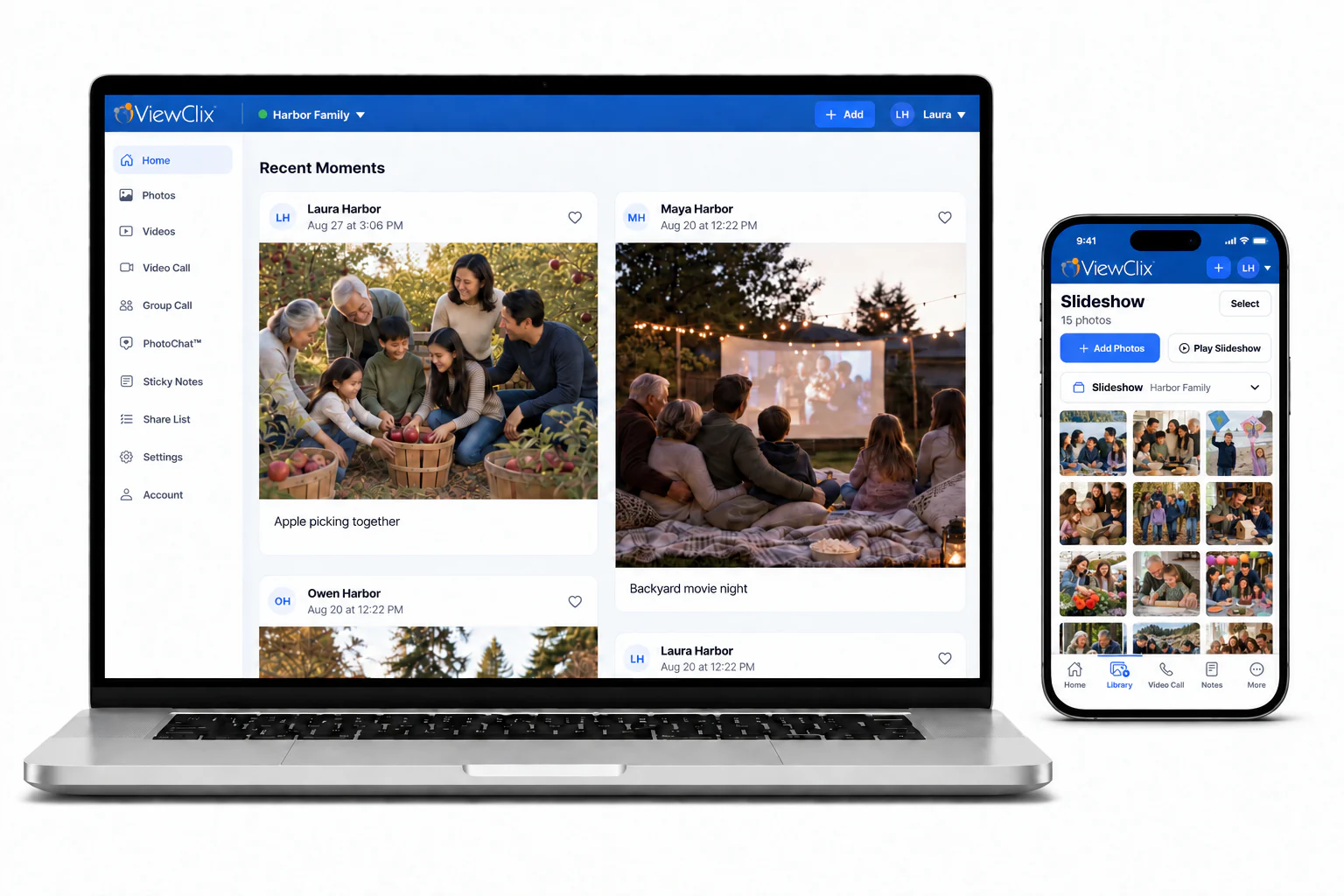
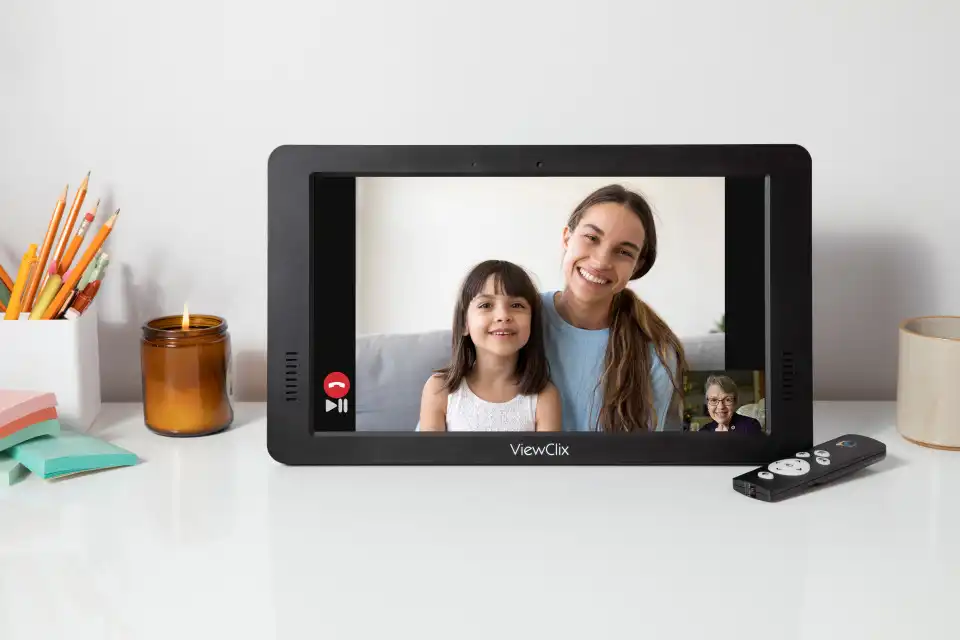
Some technology is specifically designed so seniors never have to learn it. The ViewClix Smart Frame shows family photos automatically and answers video calls on its own — seniors do not need to press any buttons, open any apps, or remember any steps. Family members set everything up and manage it remotely. For many families, this is the most practical solution: instead of teaching aging parents to navigate technology, simply remove the complexity altogether.
Explore ViewClix featuresWhy Many Aging Parents Struggle With Modern Technology
Many adult children want to help their aging parents stay connected through modern technology. Devices like smartphones, apps, and video calling platforms make communication easier than ever, but they can also feel overwhelming for someone who did not grow up using them.
Rapid changes in devices and software
Technology evolves quickly. Smartphones and apps change frequently, and new updates can alter menus overnight. For older adults who use devices less often, frequent updates can make technology feel unpredictable or confusing.
Physical challenges that affect technology use
Aging can bring physical changes that make certain devices harder to use. Common challenges include reduced vision that makes small text difficult to read, arthritis or limited dexterity that makes small buttons harder to press, and hearing changes that make audio notifications harder to notice. These physical factors can turn simple tasks — like answering a call or navigating a menu — into frustrating experiences.
Fear of making mistakes
Many seniors worry about accidentally deleting something important, breaking the device, or creating a security problem. This anxiety can prevent aging parents from developing the familiarity and confidence needed to learn new tools.
Common Barriers Seniors Face When Learning Technology
Too many features and complicated menus
Modern devices are often designed with dozens of features and options. Many aging parents only need technology for basic activities such as talking with family, viewing photos, and sending simple messages. When devices present too many choices, it becomes difficult to identify the features that actually matter.
Small text and hard-to-see controls
Small screens and tiny icons are another common obstacle. Large buttons, clear labels, and high-contrast displays can dramatically improve usability for older adults.
Unfamiliar terminology
Technology often uses terms like "apps," "cloud," "streaming," or "settings" that may not be intuitive for someone encountering them for the first time. Without clear explanations, these terms create confusion and make learning harder.
How to Introduce Technology to Aging Parents Gradually
Start with meaningful activities
Technology becomes easier to learn when it supports something that matters emotionally. For many seniors, the most meaningful uses include seeing grandchildren through video calls, receiving family photos, and staying connected with relatives who live far away. When technology helps them feel closer to family, motivation increases naturally. Families comparing options can start with video calling for seniors.
Introduce one skill at a time
Trying to teach multiple features at once often leads to frustration. Instead, focus on a single task first — such as answering a video call, viewing photos, or starting a call with a family member. Once one skill becomes familiar, it becomes easier to build on that foundation.
Choose devices designed for simplicity
Some devices are specifically designed to reduce complexity for older adults. These products prioritize simplified interfaces, fewer menus, larger visual elements, and automatic features. When technology removes unnecessary steps, seniors can focus on enjoying the experience instead of worrying about how the device works.
Practical Tips for Teaching Seniors Technology
Demonstrate first, then guide them through it
Instead of explaining steps verbally, show the process first. Demonstrate how to answer a video call while they watch, then guide them through the same steps themselves. Hands-on practice builds confidence.
Use written reminders and simple instructions
Many seniors benefit from simple written instructions they can refer to later — step-by-step notes near the device, labeled buttons, or short checklists for common tasks. Written reminders reduce the pressure to remember every detail immediately.
Practice regularly to build confidence
Short, regular practice sessions are more effective than long lessons. Even a quick video call or photo-viewing session once a day can help seniors build familiarity.
Keep the experience positive and pressure-free
Frustration can quickly discourage someone learning something new. Focus on positive reinforcement and celebrate small successes. The goal is not perfection — it is comfort and confidence.
Choosing Technology That Is Easier for Seniors
Look for simple interfaces
Devices with clear, uncluttered screens are easier for seniors to understand. A simple layout allows users to focus on the most important functions.
Reduce unnecessary features
Choosing technology that emphasizes only the essentials — communication and photo sharing — can reduce confusion and make learning faster.
Consider devices designed specifically for seniors
Some technology products are created with older adults in mind. They remove common obstacles like complicated menus or manual call setup. For example, ViewClix allows family members to start video calls easily while the device automatically answers — and allows family members to send photos remotely so seniors can enjoy new pictures without managing any apps.
If video calls are the first skill you want to introduce, start with a simple routine for how to video call grandparents.
For seniors who enjoy family updates but do not want to manage an app, photo sharing can be even easier. This guide explains how to share photos with grandparents in a way that fits into everyday family life.
These approaches also fit into a broader plan to stay connected with aging parents through regular, low-pressure touchpoints.
How ViewClix works