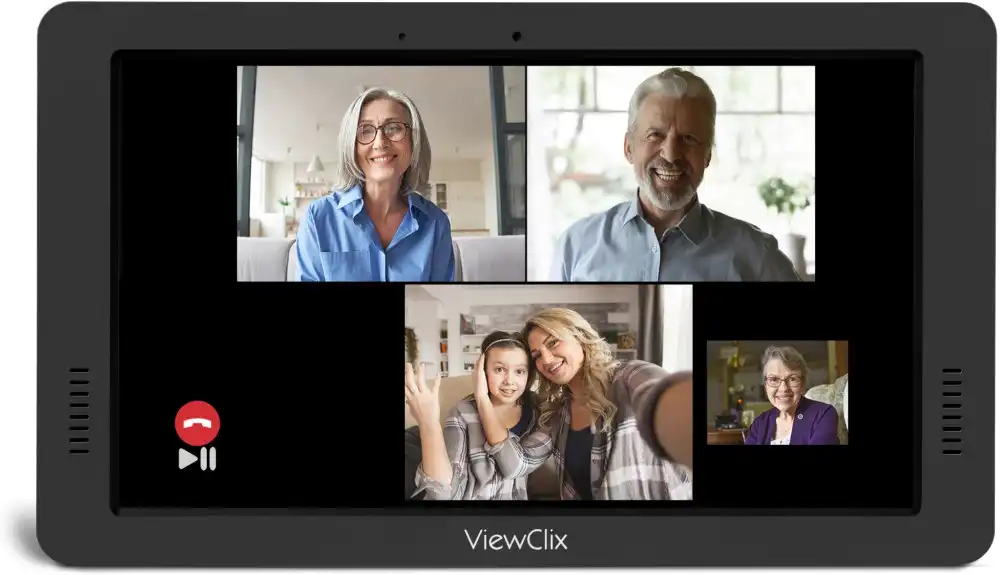
What is group video calling for families and seniors?
Group video calling for families and seniors allows multiple family members to join the same video call with a grandparent or elderly parent at the same time. Instead of one-on-one calls, group video calls make it possible for grandparents to see children, grandchildren, siblings, and relatives together.
This helps families share moments, celebrate events, and stay connected across distances in a more natural and social way.
Group Calling With ViewClix
The ViewClix Smart Frame supports group calling without any added complexity for the senior. Up to three family members can join a call simultaneously. Just like one-on-one calls, the frame uses auto-answer so grandparents simply look up and see their family — no meeting links, no passcodes, no confusion. Family members start the group call from the ViewClix app in seconds.
Explore ViewClix featuresWhy Group Video Calling Matters for Families and Seniors
Many families live far apart. Adult children may move for work, grandchildren grow up in different cities, and grandparents may live independently or in senior communities. Group video calling has become one of the easiest ways for families to stay connected across these distances.
Instead of individual phone calls between two people, group video calls allow several family members to gather together in the same conversation. Grandparents can see their children and grandchildren at the same time, watch interactions between family members, and feel more connected to everyday family life.
Staying connected across generations
Group video calls allow grandparents, parents, and children to participate together in the same conversation — helping to recreate the feeling of a family gathering even when everyone is in different locations.
Helping grandparents feel included in family life
Instead of hearing about events later, grandparents can participate in the moment. They might watch a child open birthday presents, hear about a school project, or simply spend time with multiple family members at once.
Seeing multiple family members at once
One of the biggest advantages of group video calling is the ability to see several relatives at the same time. This can make conversations feel more lively and natural than one-on-one calls, and reduces the need for several separate calls with different family members.
Common Ways Families Use Group Video Calls With Grandparents
Birthdays and holiday celebrations
Many families include grandparents in birthday parties and holiday celebrations through group video calls. Grandparents might watch children open gifts, sing happy birthday with the family, or join a holiday dinner conversation.
Weekly family check-ins
Some families schedule regular video calls with grandparents each week. These calls can be simple check-ins where several family members join for a few minutes to talk about their week. Regular group calls create predictable opportunities for connection, which many seniors appreciate.
Children calling grandparents together
Children often enjoy calling grandparents to share something exciting. Group video calls allow siblings to join together, show drawings or school projects, and talk with grandparents at the same time.
Sharing everyday moments
Families sometimes use group calls for everyday moments such as children showing a new toy, a quick hello after school, or celebrating a small achievement. These everyday interactions maintain strong family relationships over time, especially alongside tools that help families share photos with grandparents.
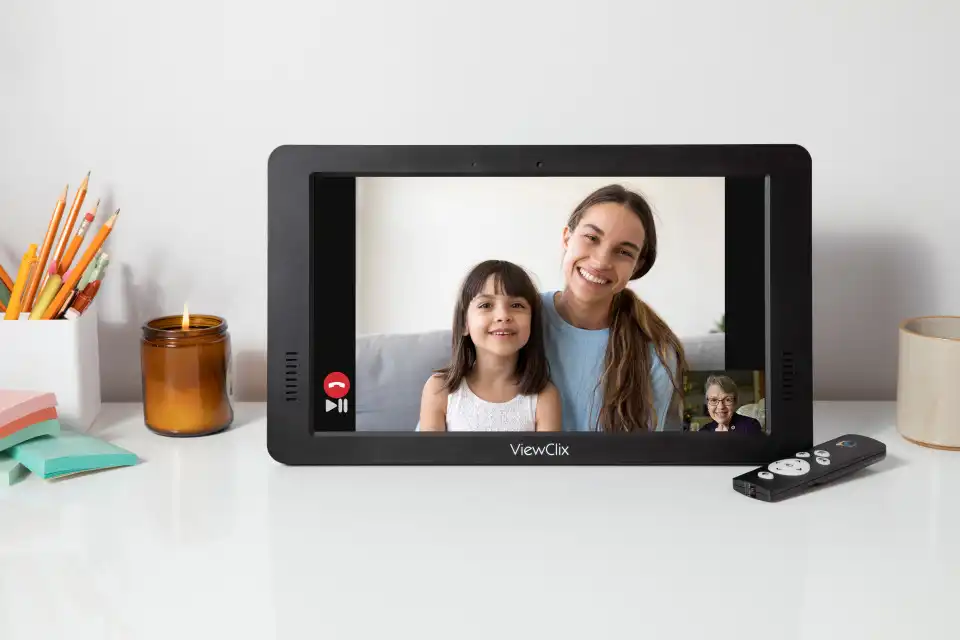
Challenges Seniors Sometimes Face With Group Video Calls
While video calling technology is widely available, it is not always easy for older adults to use. Many apps are designed for younger users comfortable managing multiple settings, accounts, and notifications.
Complex apps and meeting links
Many video platforms require users to install apps, create accounts, and join calls using meeting links or codes. These steps can be confusing for seniors who are not comfortable with smartphones or computers.
Small screens and confusing controls
Some seniors struggle with small buttons, complicated menus, or difficult touch controls. Managing mute buttons, camera settings, and participant lists can quickly become overwhelming, making the experience stressful rather than enjoyable.
How Simpler Technology Makes Group Calls Easier
Devices designed specifically for seniors
Some communication devices are built with seniors in mind. These devices prioritize large displays, clear audio, and minimal controls. The goal is to make connecting with family feel natural rather than technical. Families researching options can compare approaches in this guide to video calling for seniors.
Automatic answering for incoming calls
With automatic call answering, family members start a call and the device connects automatically. Grandparents do not need to tap buttons or navigate menus to join the conversation.
Family members managing the technology remotely
Some systems allow family members to manage settings remotely. Solutions like the ViewClix frame are designed with these ideas in mind — families can start group video calls easily while seniors simply see the call appear on their screen.
How ViewClix works