What communication tools help seniors living alone stay connected?
Communication tools for seniors living alone include phone calls, video calling devices, photo sharing platforms, and simple communication technology designed specifically for older adults. These tools help seniors stay connected with family members, reduce feelings of isolation, and make it easier for loved ones to check in regularly.
Devices designed for seniors simplify technology by removing complicated apps and making communication as easy as answering a call or viewing shared photos.
How ViewClix Keeps Seniors Connected
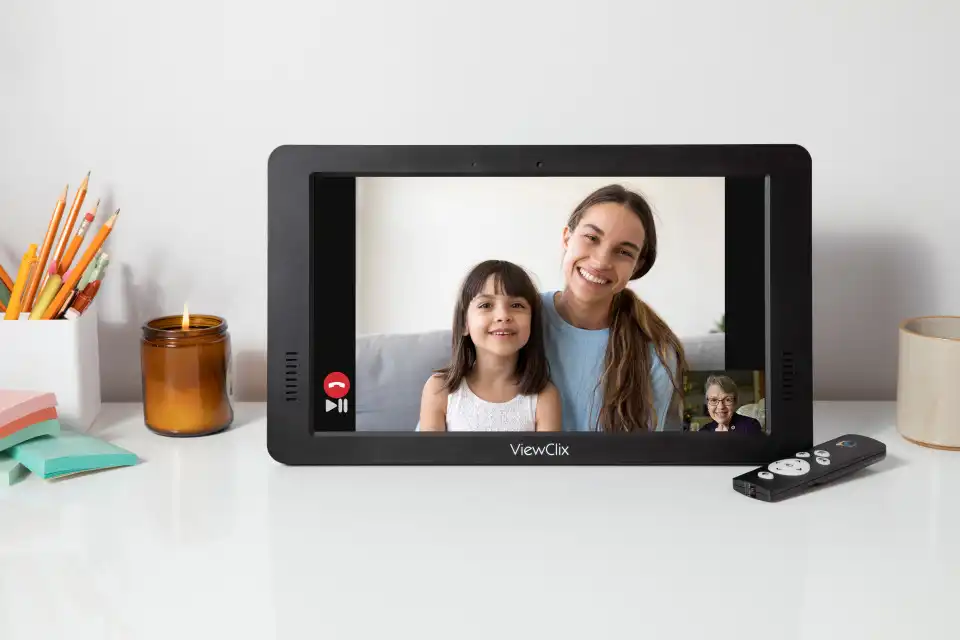
ViewClix was designed specifically for seniors living independently. The Smart Frame displays family photos all day, and when a family member wants to connect, they start a call from the app. The frame answers automatically — the senior simply looks up and sees their loved one. No apps, no buttons, no complexity. Family members manage everything remotely, so the senior never needs to troubleshoot technology.
Explore ViewClix featuresWhy Many Seniors Choose to Live Independently
Many older adults prefer to live independently for as long as possible. Remaining in their own home allows seniors to keep familiar routines, maintain their independence, and stay connected to the communities they know.
Living independently can support a strong sense of dignity and control over daily life. However, independence also means that communication with family becomes especially important — regular contact helps families stay involved and ensures loved ones remain connected even when not physically nearby.
Independence and maintaining routine
Daily routines often provide structure, confidence, and comfort. Independent living allows seniors to keep those routines in familiar, meaningful ways.
Staying in familiar homes and communities
Many seniors value living where neighbors, services, and local relationships are already established. Familiar surroundings support emotional stability and confidence.
Communication Challenges Seniors Living Alone Can Face
Although many seniors are capable of living independently, staying connected with family can become more difficult over time.
Technology complexity
Modern communication tools are often designed for younger users comfortable navigating smartphones, apps, and software updates. For many seniors, these systems can feel confusing or overwhelming. Multiple steps, passwords, and unfamiliar interfaces create barriers that discourage regular communication.
Mobility and transportation limitations
Some seniors living alone may have limited mobility or may not drive frequently. As a result, in-person visits with friends and family may happen less often, making remote communication tools especially important.
Loneliness and social isolation
Living alone can sometimes lead to feelings of loneliness, particularly if family members live in different cities or states. Simple tools that make it easy to connect with family play an important role in reducing social isolation.
Communication Tools That Help Seniors Living Alone
Traditional phone calls
Phone calls remain one of the most familiar and comfortable ways for seniors to communicate. Regular calls can provide daily contact and help families stay updated on how their loved ones are doing. However, phone calls do not allow families to see each other, which can make communication feel less personal.
Video calling technology
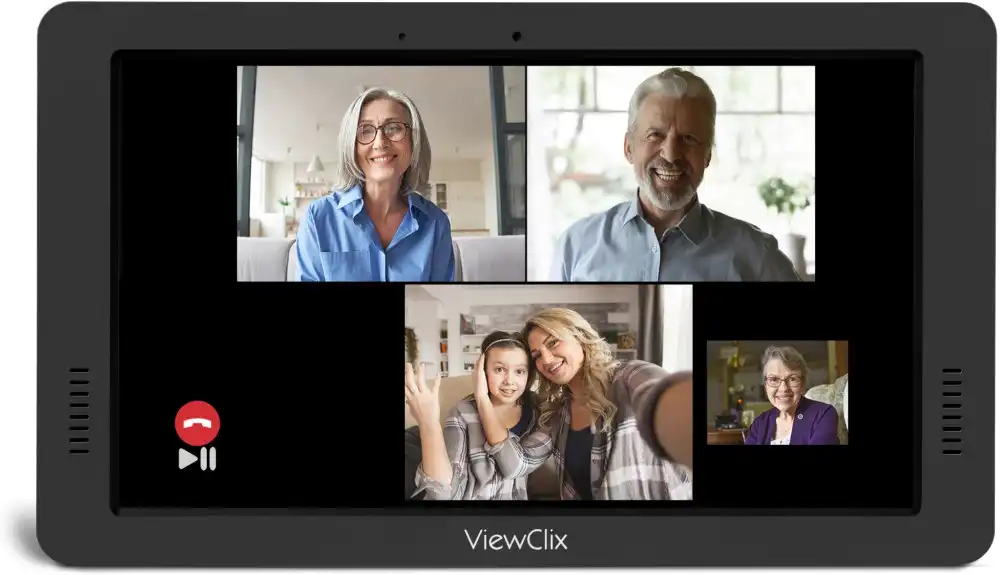
Video calling allows families to have face-to-face conversations even when far apart. For seniors, however, traditional video calling apps can sometimes be difficult to manage. Devices designed specifically for seniors simplify the experience by making video calling easier to answer. Learn more about video calling for seniors.
Photo sharing with family
Sharing photos is another powerful way to help seniors feel connected to family life. Digital picture frames allow family members to send photos remotely so seniors can enjoy new pictures throughout the day. Families can also share photos with grandparents using simple frame-based workflows.
Communication devices designed specifically for seniors
Some devices are designed specifically to reduce complexity. These products prioritize simplified interfaces, fewer menus, larger visual elements, and automatic features. Devices like the ViewClix Smart Frame combine photo sharing with simple video calling, allowing families to stay connected through pictures and conversations without requiring seniors to manage complicated technology.
How Simple Technology Makes Communication Easier
Removing complicated apps
Devices designed for seniors remove the need to navigate multiple applications or menus. The focus is on a few core features — viewing photos and receiving video calls — making regular use natural and effortless.
Automatic answering for video calls
With auto-answer video calling, family members can start a video conversation without requiring the senior to press buttons or navigate an interface. This is especially helpful for seniors who may have limited mobility or who are not comfortable managing technology.
Remote support from family members
Many senior-focused communication tools allow family members to manage settings remotely — adding photos, managing contacts, or adjusting settings without requiring the senior to troubleshoot anything.
How ViewClix works