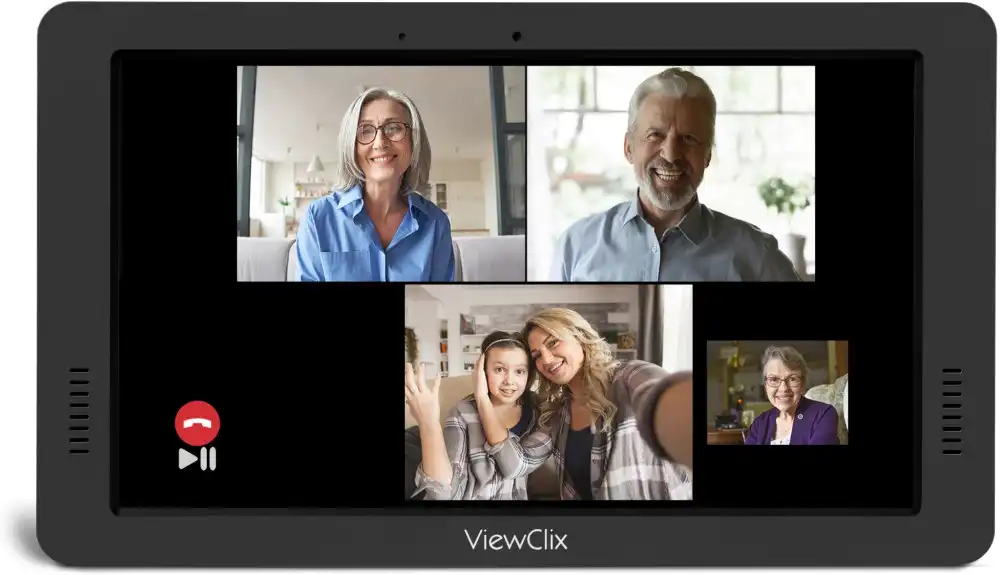
What is auto answer video calling for seniors?
Auto answer video calling for seniors is a feature that allows a video call to connect automatically without the senior needing to press a button or accept the call. When a family member initiates a call, the device answers on its own, allowing immediate face-to-face communication.
For elderly parents and grandparents who struggle with smartphones, small buttons, or remembering how to accept calls, this eliminates one of the most common reasons connections fail.
How ViewClix Auto-Answer Works
When an approved family member calls through the ViewClix app, the Smart Frame connects automatically with a friendly chime. No buttons to press, no apps to open, no menus to navigate. ViewClix was built on this principle: technology should serve the relationship, not get in the way of it.
Explore ViewClix featuresWhy Many Seniors Struggle to Answer Video Calls
Video calling is common for many families today, but for older adults the experience is often frustrating. Even seniors who enjoy seeing their family may struggle with the steps required to answer a call.
Small buttons and confusing interfaces
Many smartphones and tablets rely on small icons and multiple menus. When a call arrives, the user may need to swipe, tap a specific button, or open an app before they can answer. For someone unfamiliar with modern devices, these steps can feel overwhelming — and the call rings out before anyone connects.
Notifications that are easy to miss
Smartphones often rely on subtle sounds or on-screen notifications that are easy to overlook. Seniors with hearing changes or those not looking at the device when a call arrives miss it entirely.
Anxiety around unfamiliar technology
Many older adults worry about pressing the wrong button or accidentally changing a setting. This hesitation leads to missed calls or reluctance to use video calling at all.
The Frustration of Missed Calls for Families
When parents or grandparents frequently miss calls, it creates unnecessary stress. Adult children call several times wondering whether everything is okay. That worry is real — and largely avoidable with the right setup.
When calls repeatedly fail to connect, families may eventually stop trying as often. This quietly reduces the everyday conversations that maintain strong relationships. Choosing a better video calling for seniors setup solves the problem directly.
When Automatic Answering Is Especially Helpful
Seniors with limited mobility
Some older adults cannot get up quickly to reach a ringing device. Automatic answering lets the call connect without requiring any movement.
Seniors unfamiliar with smartphones
Learning how to accept a call can feel overwhelming, especially when the interface changes after an update. Auto answer removes the requirement entirely.
Seniors experiencing memory challenges
Even seniors who have learned the steps may occasionally forget them. Auto answer ensures the connection still happens without relying on memory.
Quick daily check-ins
Sometimes family members simply want to say hello or let grandchildren wave to their grandparents. Auto answer makes these small moments happen easily without any advance coordination.
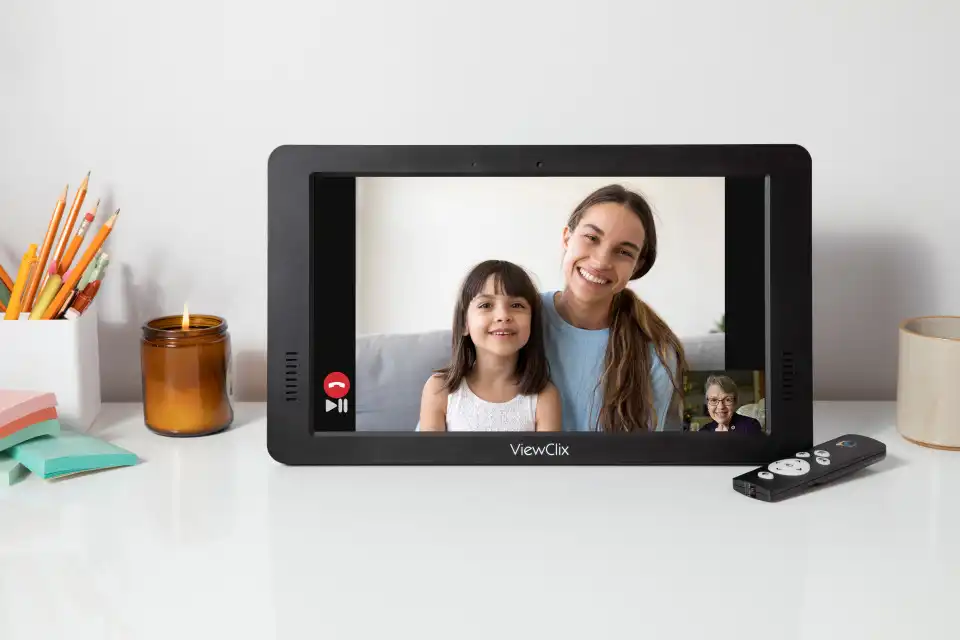
Why Simpler Devices Work Better for Seniors
Devices designed specifically for seniors focus on simplicity rather than features. This makes a meaningful difference in how comfortable older adults feel using — and actually enjoying — technology.
Designed for one clear purpose
Many traditional devices try to do everything at once. Devices built for seniors focus on a few core functions: photo sharing and video calling. This reduces confusion and builds confidence.
Fewer menus and settings
Instead of navigating multiple apps, seniors interact with a device that shows family photos or connects them directly with loved ones. Nothing else gets in the way.
Easier for families to manage remotely
Family members manage contacts, settings, and updates through the ViewClix app. The senior never needs to configure anything. Families comparing options can also review the best video calling devices for seniors.
How ViewClix works